Professional Security Camera Setup & Installation
Expert installation, activation, and support for home security cameras, doorbell cameras, and Arlo camera systems. Protect what matters most.
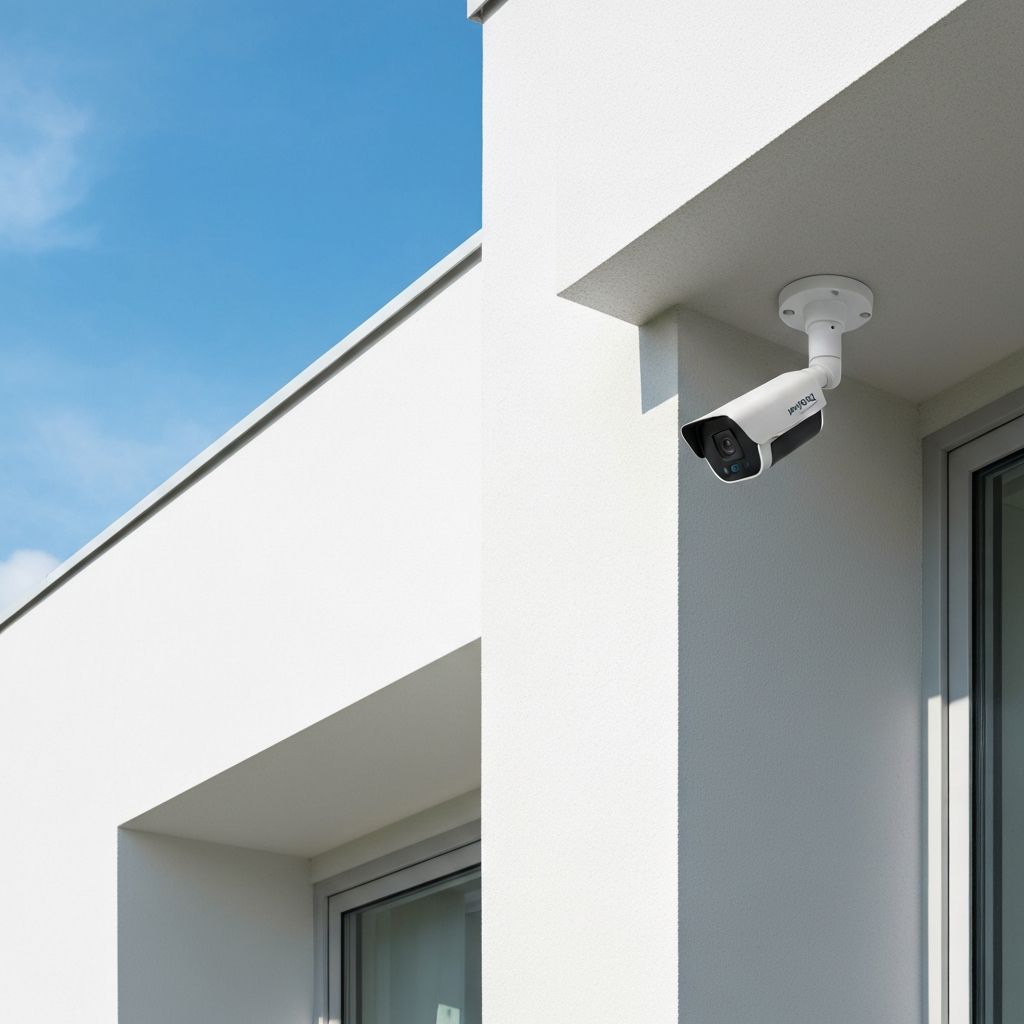
Our Camera Setup Services
We provide comprehensive security camera setup, installation, activation, and support services for all major brands and models.
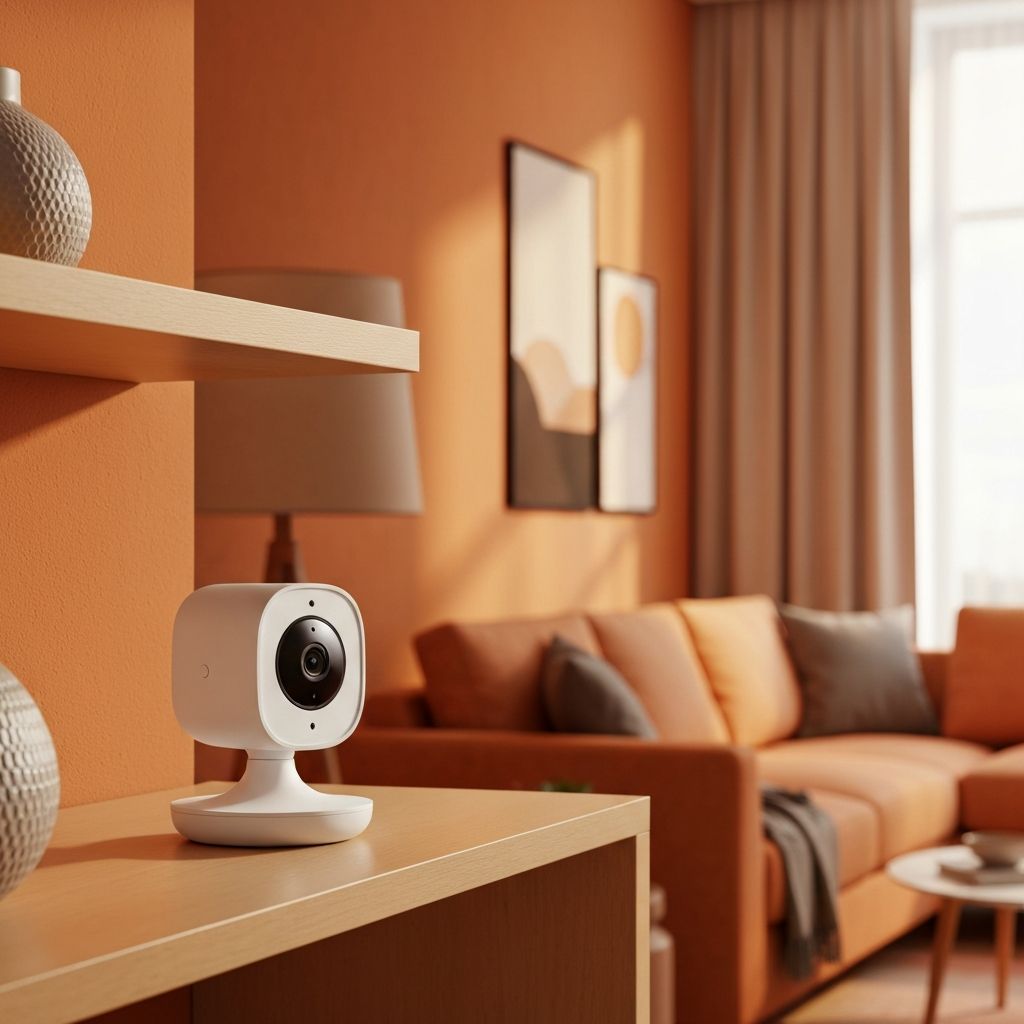
Home Security Camera Setup
Professional installation and configuration of indoor and outdoor home security cameras for complete property surveillance.
Learn More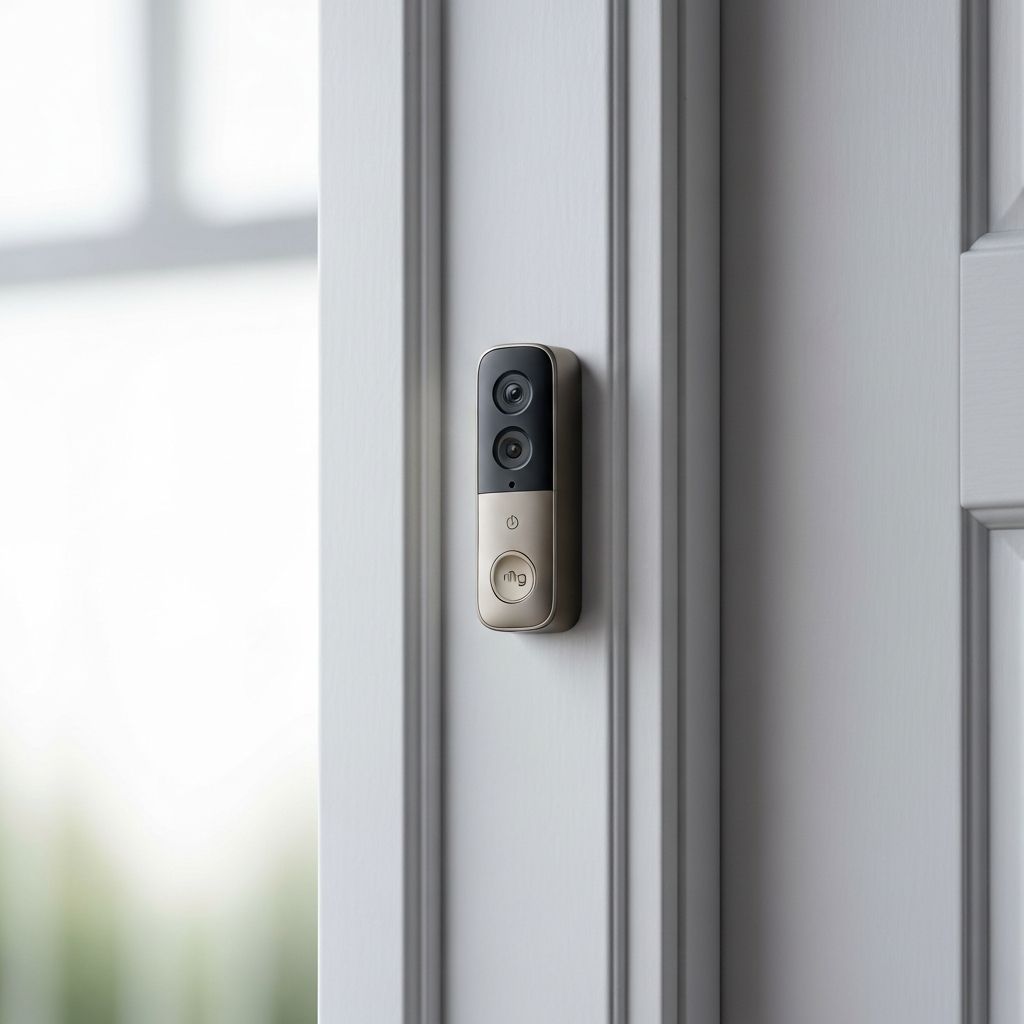
Doorbell Camera Installation
Expert setup and activation of smart video doorbell cameras to monitor your front door from anywhere.
Learn More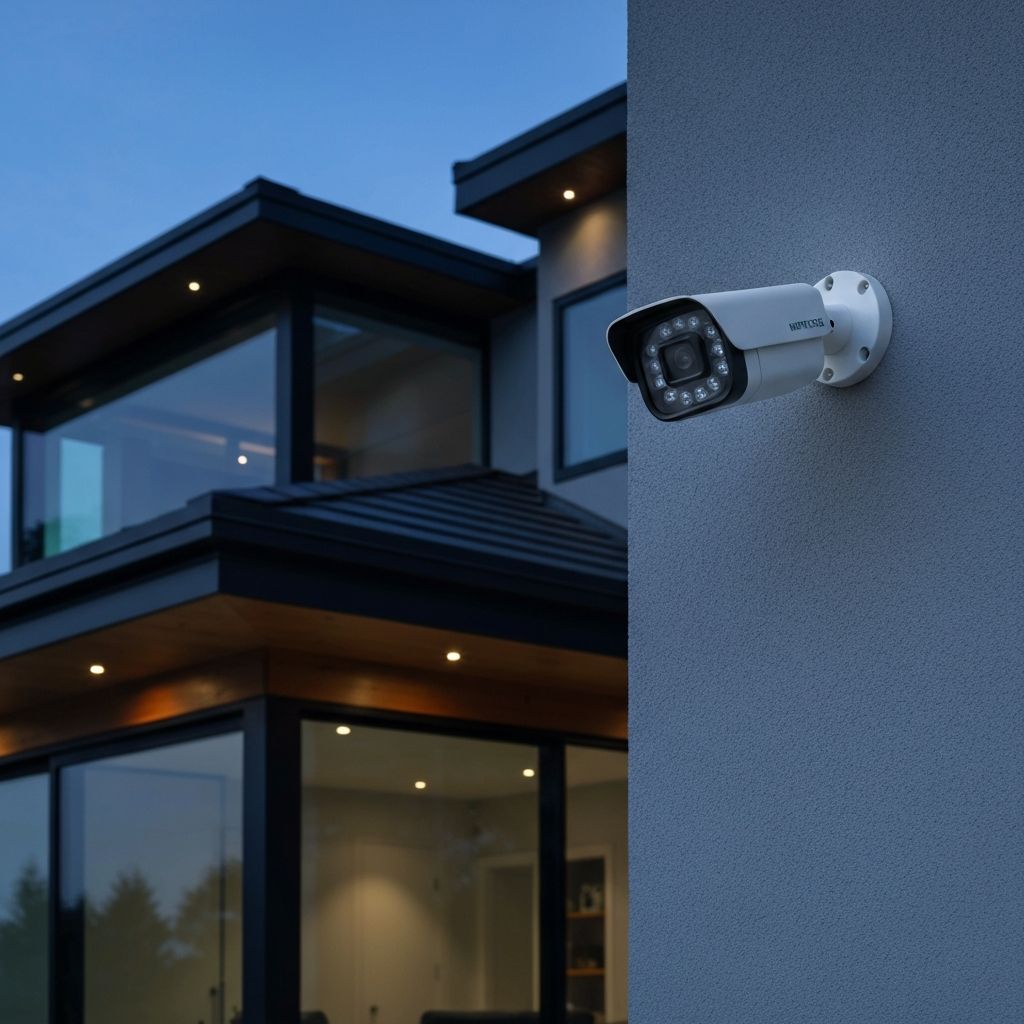
Arlo Camera Setup & Support
Complete Arlo camera system setup, installation, activation, and ongoing technical support services.
Learn MoreHow Camera Setup Works
Setting up your security camera is straightforward. Follow these steps, or call us for expert assistance at any point.
Unbox & Power On
Remove your camera from the packaging, charge the battery or connect the power supply to prepare for setup.
Connect to Network
Use the manufacturer's app to connect your camera to your home Wi-Fi network for remote access.
Activate & Configure
Complete the activation process, configure motion detection zones, alerts, and recording preferences.
Get Expert Help
Need assistance at any step? Call our technicians for real-time guidance through the entire setup process.
Why Choose MyHDCam?
We are dedicated to providing professional and reliable security camera services with transparent pricing and honest business practices.
Certified Technicians
Our team consists of trained and certified security camera installation professionals.
Same-Day Support
Get help when you need it with our responsive phone support available 7 days a week.
All Major Brands
We support Arlo, Ring, Nest, Blink, Wyze, Eufy, and many more camera brands.
Satisfaction Guaranteed
We stand behind our work and ensure your camera system is working perfectly.